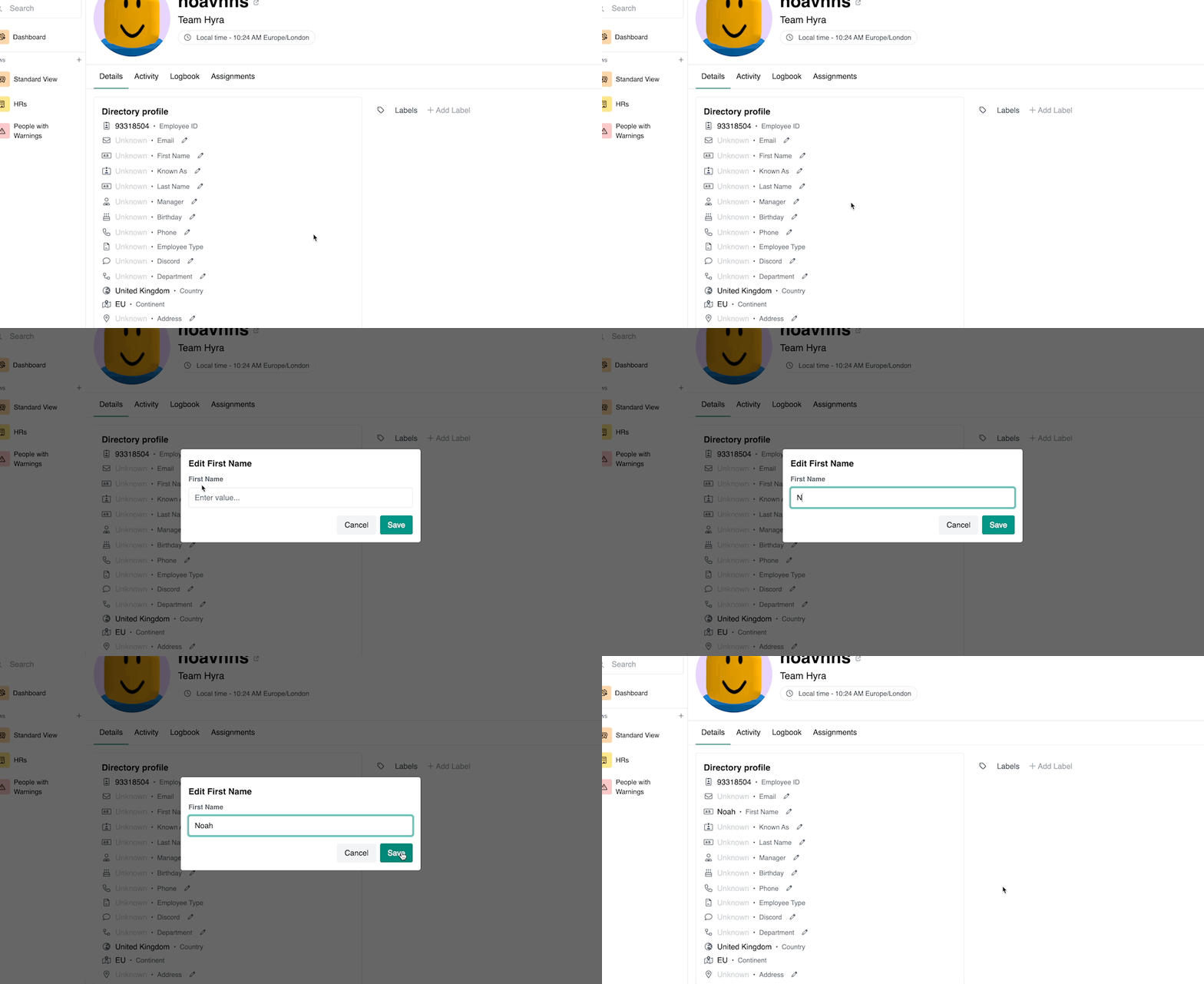
Directory Profile
Directory Profiles are a repository of information that you hold for each of your staff members. this information includes their personal details like their email address, their manager and their role in the group.
You can set up the profiles to contain as much or as little information as you like - this all depends on what you need to know about your staff members.
How to access the profile
Accessing directory profiles is simple and can be achieved in a few different ways. If you're looking for a specifiic staff member, it's usually best to search for them.
Search for a staff member
To search for a staff member go to Staff > Search and type in their Roblox username. This will bring up their profile.
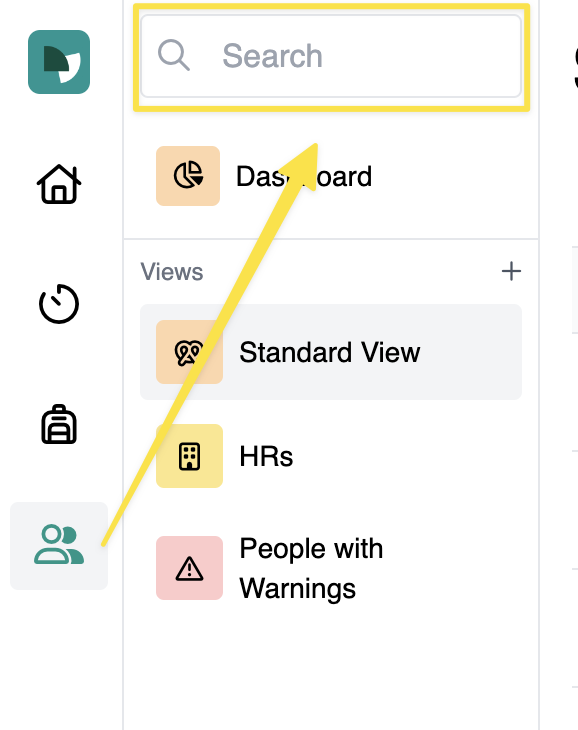
Accessing via a View
You can access staff profiles via Views by clicking the  Open button
Editing a profile
You can edit a staff profile by clicking the  pencil icon