Logbook
Logbook is here to help you log all of the previous actions taken and any notes about the user, this feature is especially helpful for big teams that needs to manage their staff's Warnings, Promotions/Demotions, Suspensions, Termination, etc.
Creating a log
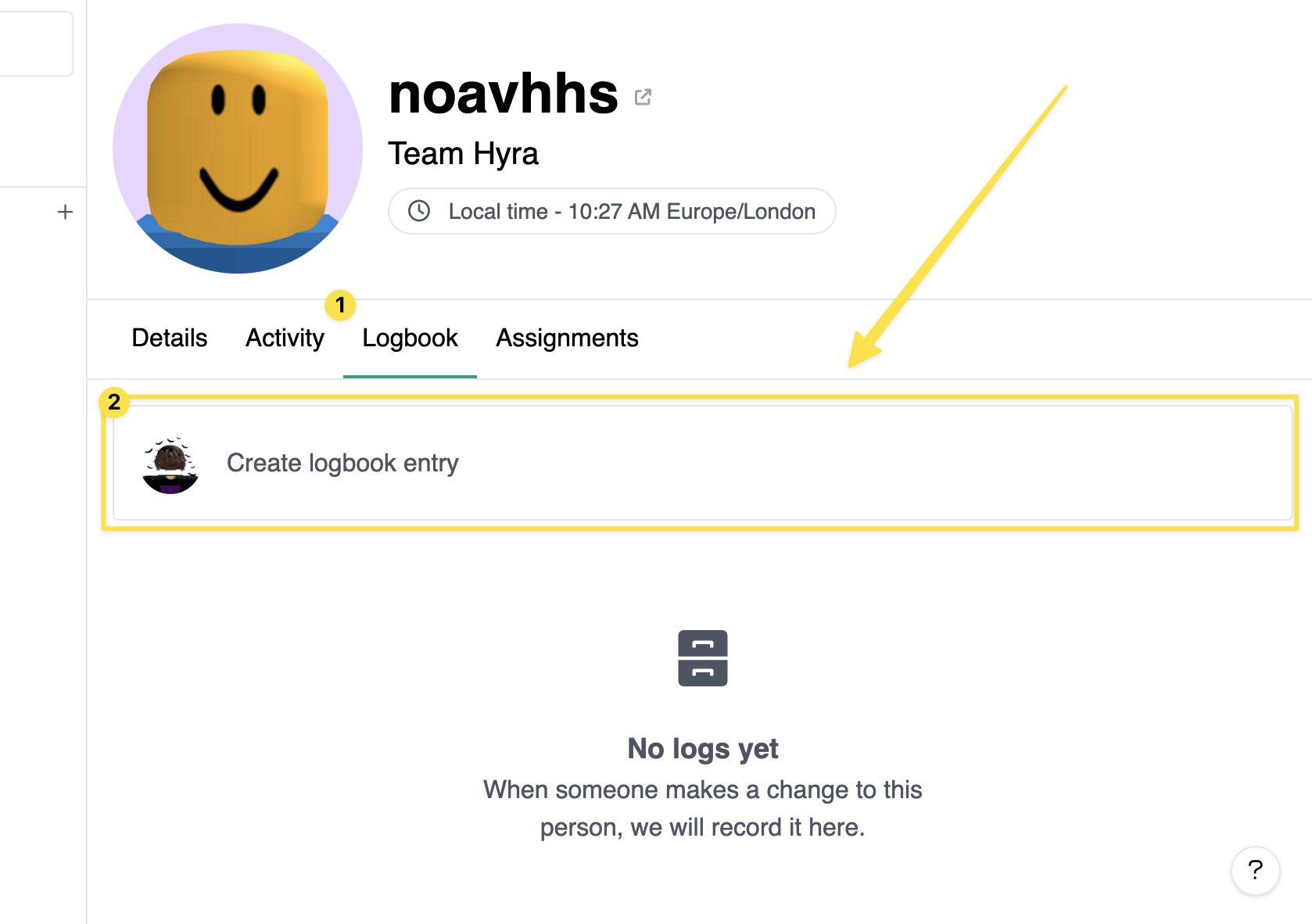
To create a log, go to Staff > Staff Profile > Logbook and type in your comment. Once done, hit "Log Note". You can also find the different options by clicking the dropdown next to the button.
note
Please note that for attachments, the file size limit is 250mb.
Deleting a log
To delete a log, simply click  the trash icon next to the log.