Labels
Labels are great for your team's administration to organise certain people. Labels can be used for anything and can really help keep your staff team segmented into manual sets.
Creating labels
To create a label, go to Settings > Labels and click "Add label"
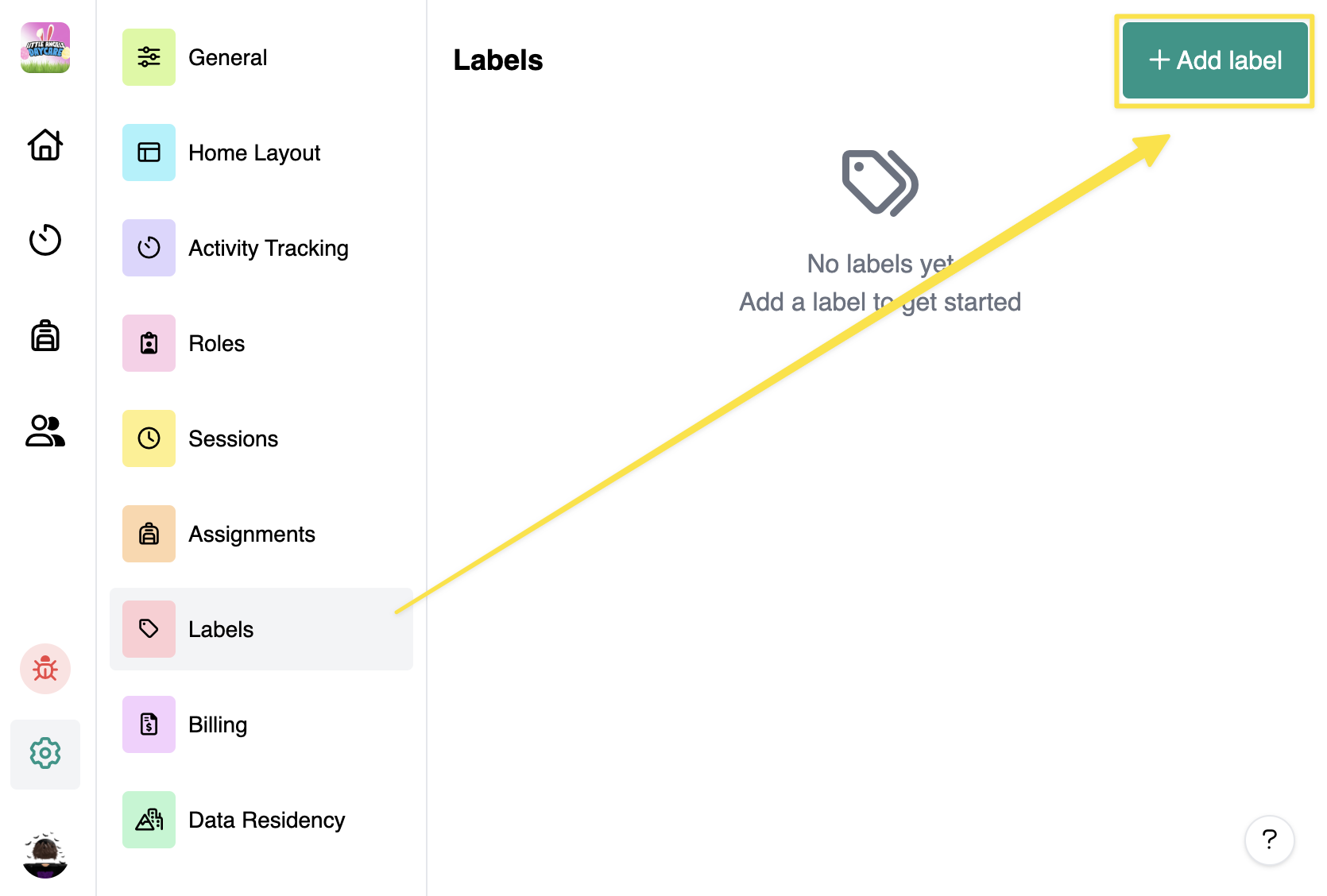
Once created, you can change its colour and name.

Deleting labels
To delete a label, go to Settings > Labels and hover to the label that you want to delete and hit X to delete.
Add label to staff
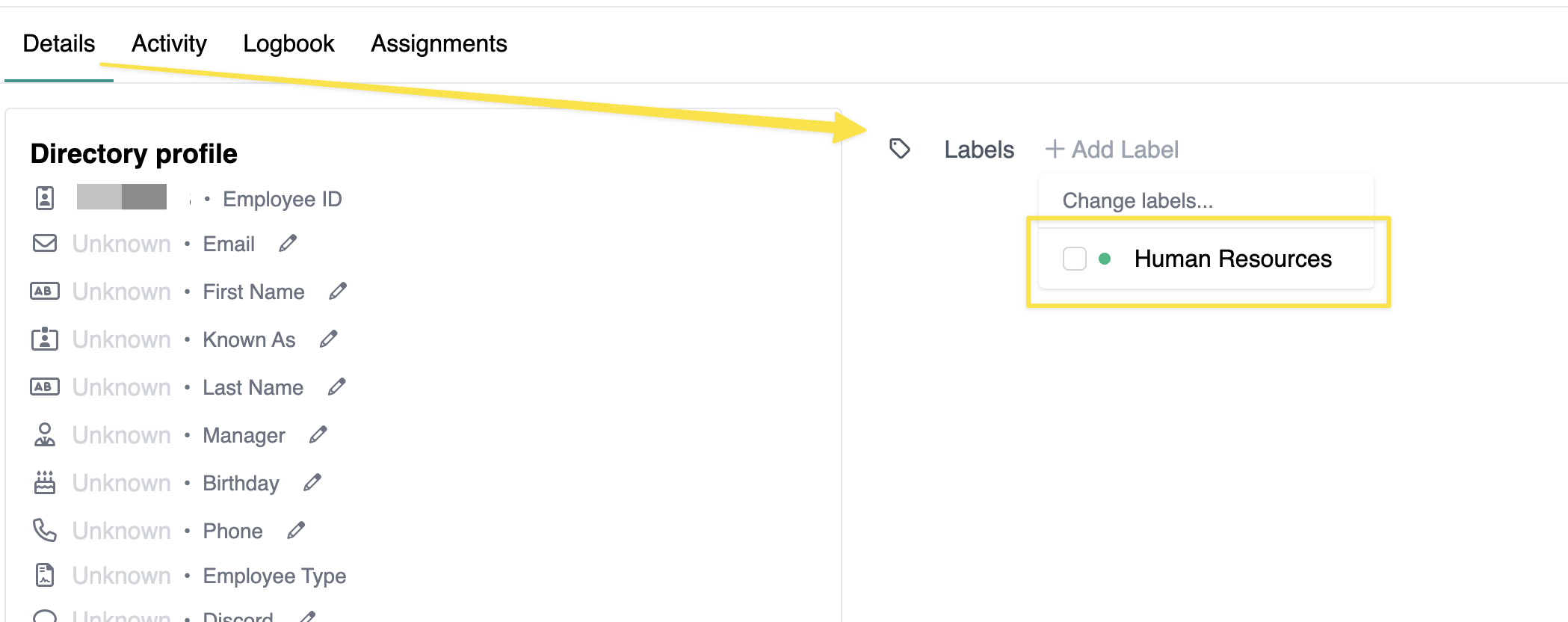
To add a label, go to the Staff Profile and in Labels, click "Add Label"